
Unleashing the Lead-Generating Power: A Jaw-Dropping Case Study on Brett's 30+ Leads in Just One Week!
Watch this short case study to find out how
Click For Sound
Step 1: Market Research
(The easy part)
As the expert of your industry you have all of the knowledge right? Well you should at least...
But that doesn't always mean you are in tune with what your ideal audience is looking for clarity on and this can be counter productive to our efforts when it comes to creating social media content.
In the case of speaking to younger generations we need to meet them on their level. We want to position the available job openings to be enticing enough for them to want to work there and not just collect a paycheck.
First we must create a list of content that people are actively looking for solutions for.
The Condensed Content Research Methodology
Plan A Years Worth of Content in Just One Afternoon...

Start by thinking of 12 pillar topics that relate to your industry and the world of HR.
Here we can talk to the younger generations about job opportunities or also we can talk to future clients as well if you own your own consulting firm.
SOME EXAMPLES ARE:
Talent Management
Compensation and Employee Benefits
Training and Development
Compliance
Workplace safety
Next, head on over to Google.com
Everyone's favorite tool...
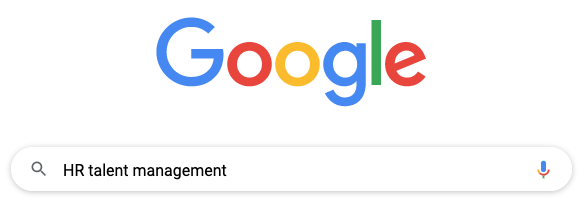
Take your first topic pillar and enter it into a quick Google search.
Now, scroll down to the 'People Also Ask' Section.
This is the gold mine we are looking for...
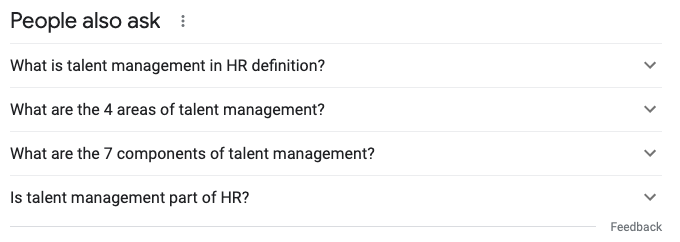
Here we will see active searches that real people are looking for the answers to.
Click the arrows next to the various questions you have answers for.
Watch what happens next...
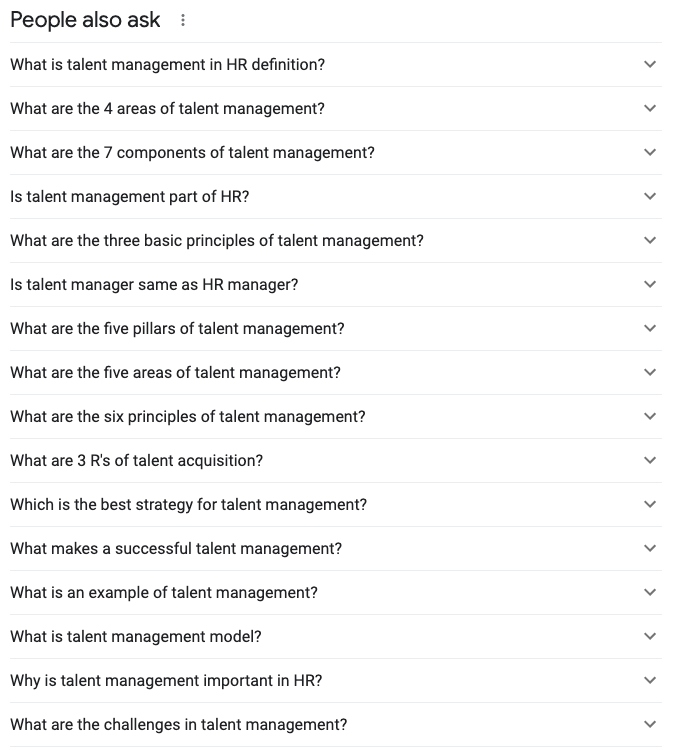
Expanding these arrows will start to populate more topics to choose from. You want to expand as many arrows until you have 30 questions you can expand upon.
* Please note * It is okay to collect questions that seem to be similar. We can make multiple pieces of content around the same topics and space these out over the year. Digital content life spans are shorter and shorter everyday.
Put the 30 topics you found into a spread sheet page for this particular topic. Do this step for each pillar and within a short time you will have 360 pieces of content. That is enough for an entire year!!!
Organize your spread sheet to have 1 tab for each pillar, then a final tab where you have combined all the lists into one long list. Simply select all the topics of the full list and right click and randomize the selection. This will prevent you from having to select the topics one by one.
You are another step closer to getting your content system up and running!
Follow step 2 below to get started recording your content.
Step 2: Record & Edit Your Curated Content.
(The part you probably don't like)
This step is always the most intimidating for everyone. Most people are camera shy and have trouble speaking in this space.
Even though we aren't physically in front of a large crowd, we subconsciously know that we are talking to millions of people and that is a bit jarring.
Things you need to have for this process
These are essential for the quality I recommend...

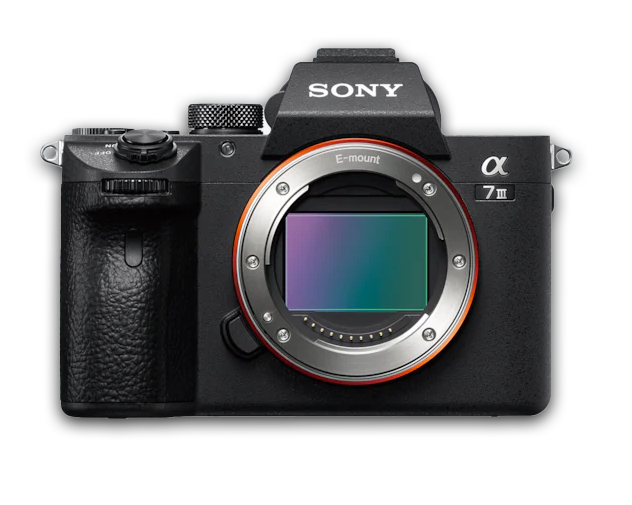
First things first, you must have a camera to record with. This can be a phone for those that do not have access to a higher end camera.
If you are looking at acquiring a camera, I suggest the Sony Alpha line of cameras. Here at Vandrews Media we use the Sony A7ii and a A7iii for all of our content recording.
But if you are sticking with just a simple iPhone or Samsung device, it is HIGHLY recommended to you the regular camera on the back of the phone vs the front facing camera. This is going to deliver the highest quality possible from this route.
Other essential accessories... and some that are just highly recommended...
A tripod for hands free use
A microphone for better audio quality
[Optional] A simple lighting kit from Amazon
This kit should not cost more than $150-$200. You need a basic 1-2 piece lighting set up with an included soft box.
*This is NOT an affiliate link. Just value info for you to make a good decision.
[If you chose to invest in a camera you will also need the following]
A lens between 35-50mm
SD card to capture the footage
Shooting tips for creating your video content
There is no "perfect" way to capture content, BUT this is what we suggest and why...

If you opted out of buying a lighting set up, you will want to record in a space with adequate light. This can be in front or near a large window or another lighting source within your offices.
We want to make sure this light is not harsh, or is something that is constantly changing, which is why we highly suggest buying a light kit to have the most control.
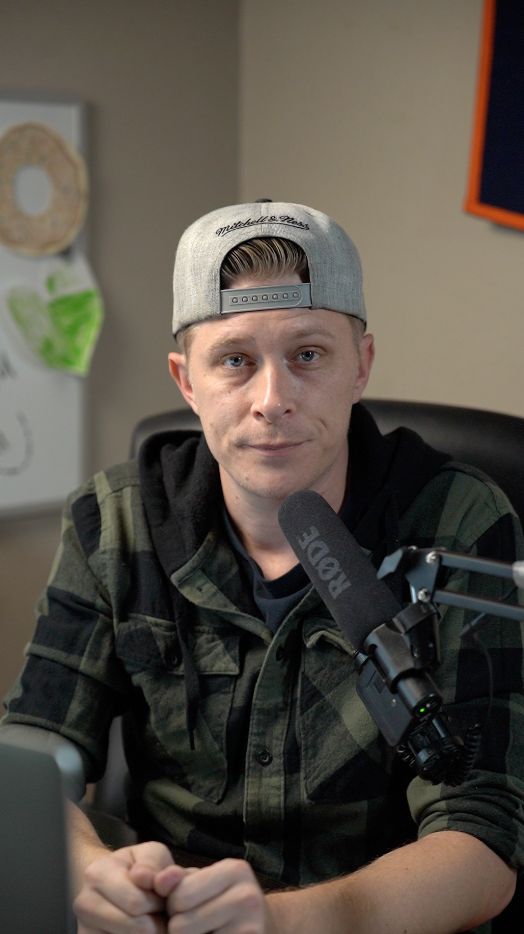
Position yourself center in the frame of your camera. This helps to put us in an authoritative, but non threatening, position.
People do not want to learn from someone they feel are inferior to them. Remember it's all about the perception and conclusions they make as a viewer.
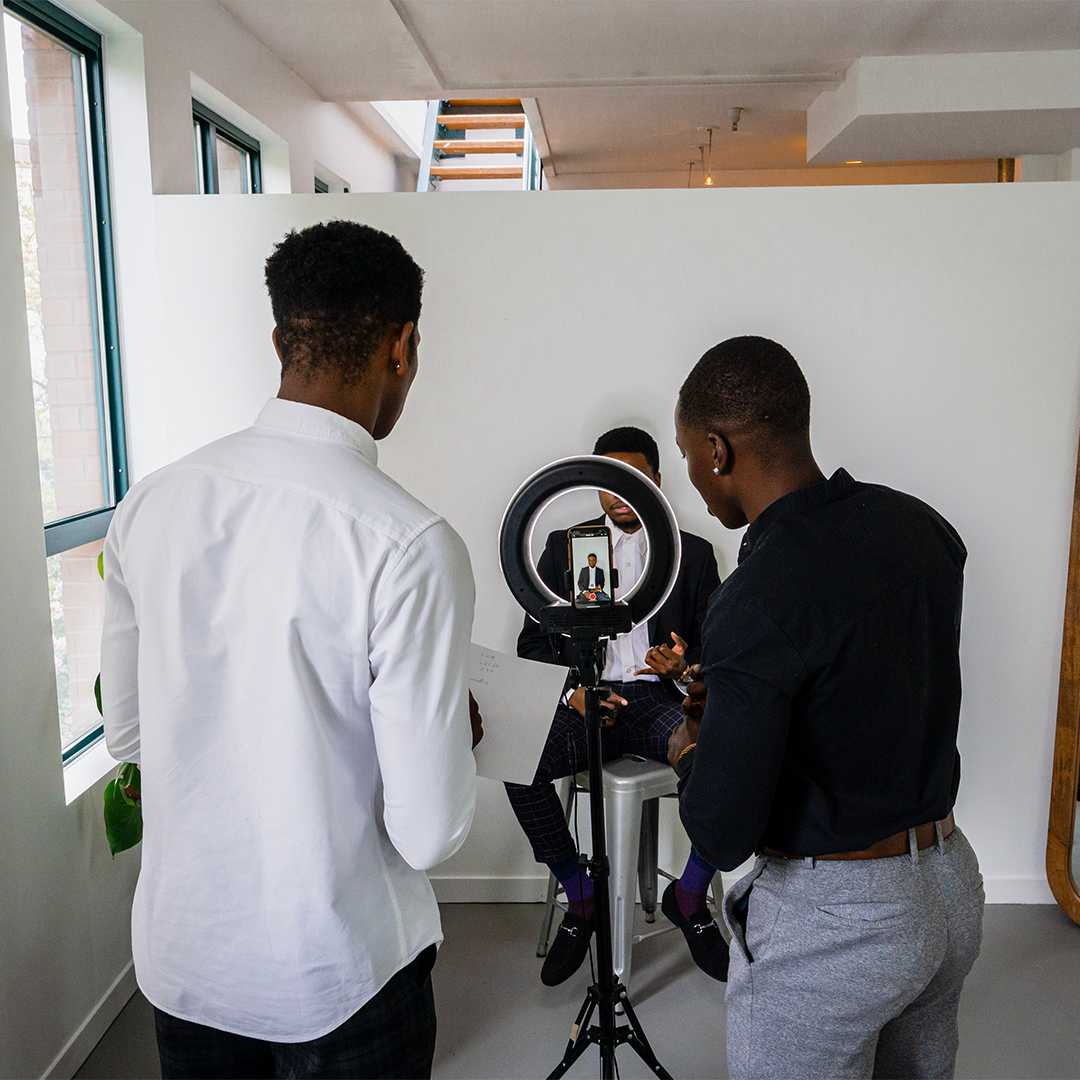
Now run through recording your videos on the topics you just came up with. We want to have a session and get at least 1 month of content at a time.
This will fluctuate for everyone, based on skill and comfortability level. But we want to record as much as possible per session.
Your videos, after final editing, should be no longer than 60 seconds. It is okay to take longer than 60 seconds to record each topic. You can cut the dead space out later.
Structure you videos as follows:
[Hook] - A Reason to watch or what is covered in the video.
Statement 1
Statement 2
Statement 3
Call to Action or pose a question
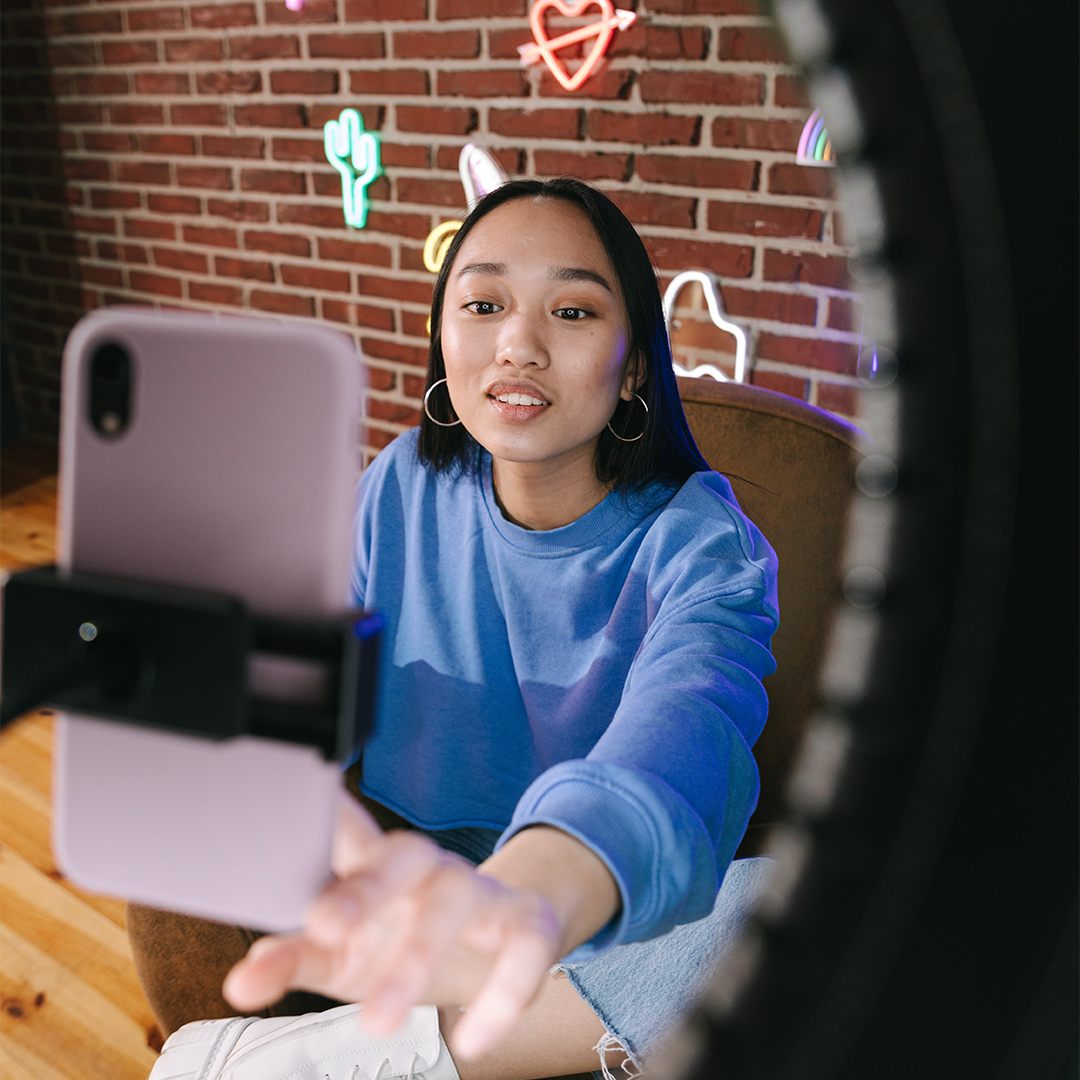
Once you have recorded all you content for at least a month or more, you can move onto editing everything together.
* Remember - I do not have time to go over video editing in this method. Everyone learns differently and my techniques will be far more advance than where you are in your content creation journey.
Must haves for the final edits are:
Jump cuts (cutting dead space)
On screen captions
A lightly faded music track
Now that you have created all your content we want to deliver it in the best way possible!
Continue reading below about the best tool for this...
You are one step closer to getting your content system up and running!
Follow the steps below to get started right now.
Step 3: Schedule Your Content
(The easiest part)
Scheduling your content is a crucial step to the process because it prevents us from having to take time out each day to make a post.
We can stay more productive and active in the day to day operations of the business.
The Committed Content Delivery Device
An all in one tool that will help to deliver your content more effectively...

Our favorite tools to schedule content is a social systems tool called Metricool™
Head over to www.metricool.com and sign up
Again... no affiliate links here... just honest value...
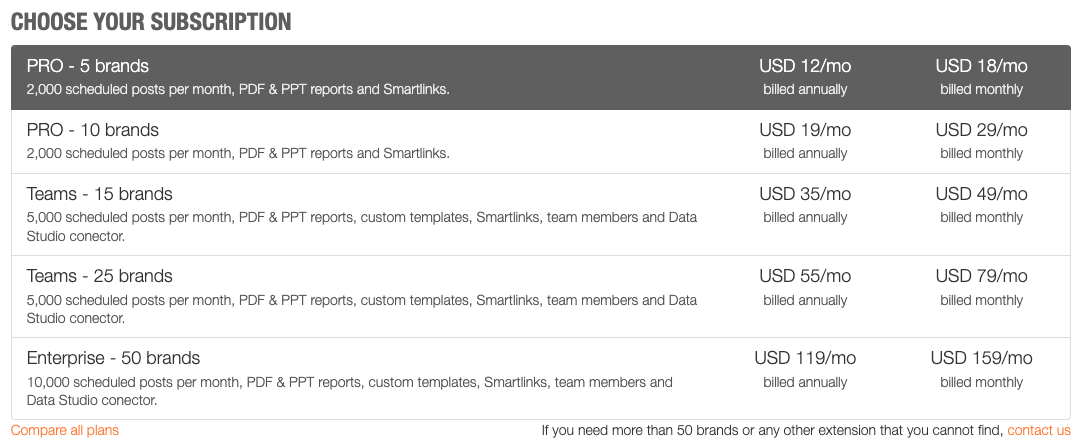
Select the plan that is right for your content planning journey. There is a free version that limits your amounts of posts so keep that in mind.
Once in, go connect all your social platforms!
There is so many integration options it's insane...
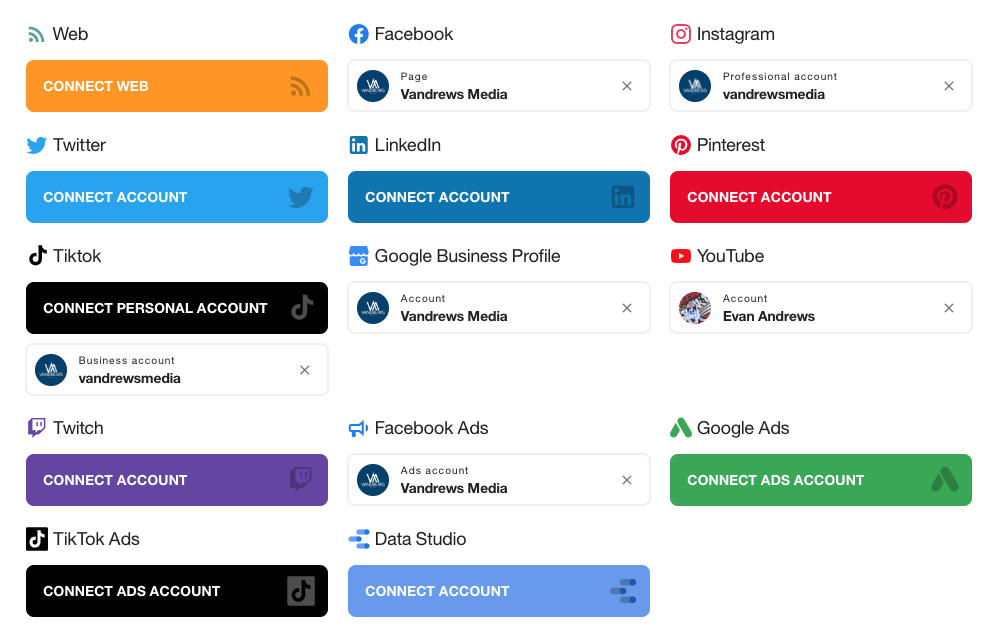
You can connect all your social channels and even analytics from your ad accounts if your company is actively running ads.
Pro Tip: YOU SHOULD BE!!!
Next, start scheduling your posts
This is the cool part...
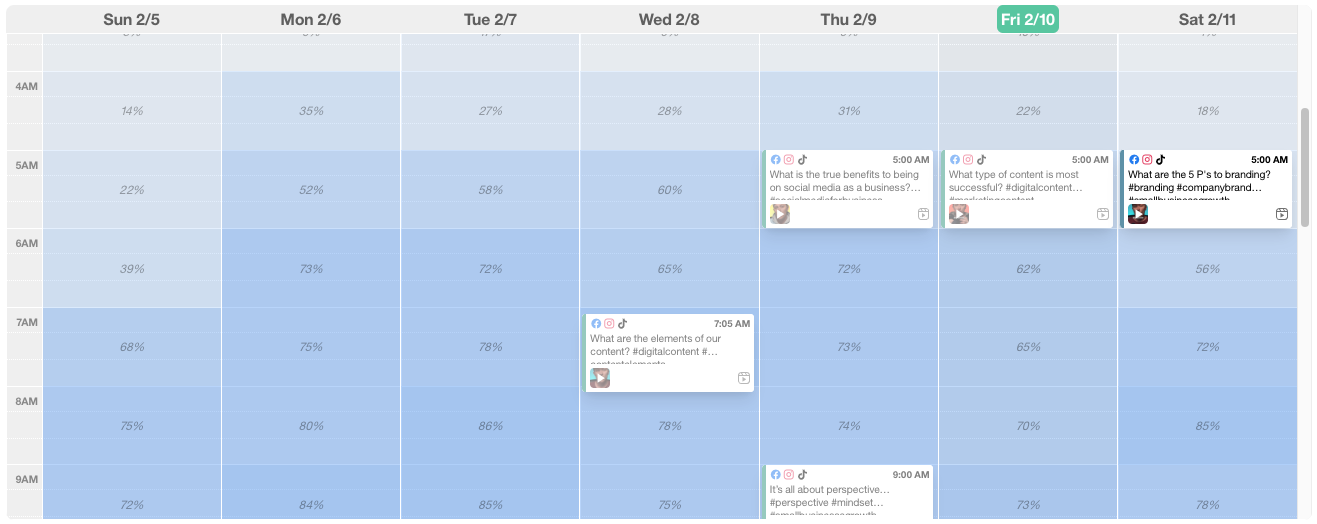
Head on over to your planning section from the top menu and select 'Calendar' from the left side menu.
You should notice some color changing happening amongst the tiles for the days of the week.
These color changes represent the ideal times your content is being consumed and interacted with.
The idea for short form video content is to not post at the peak time, but rather some time before that to let the algorithms get it circulated to those that are not your followers. Posting at peak times does not get you the best results.
How to schedule a post
Step by step instructions to scheduling...
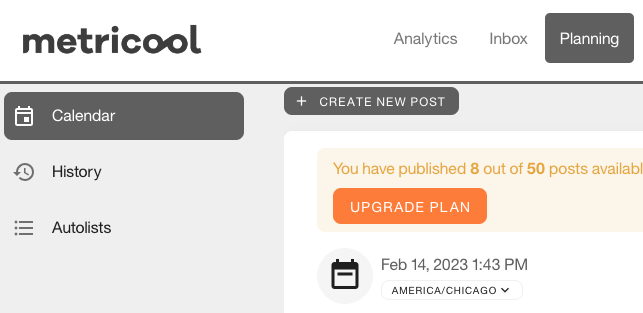
Start by clicking "Create New Post" at the top or by selecting a time on the calendar view.
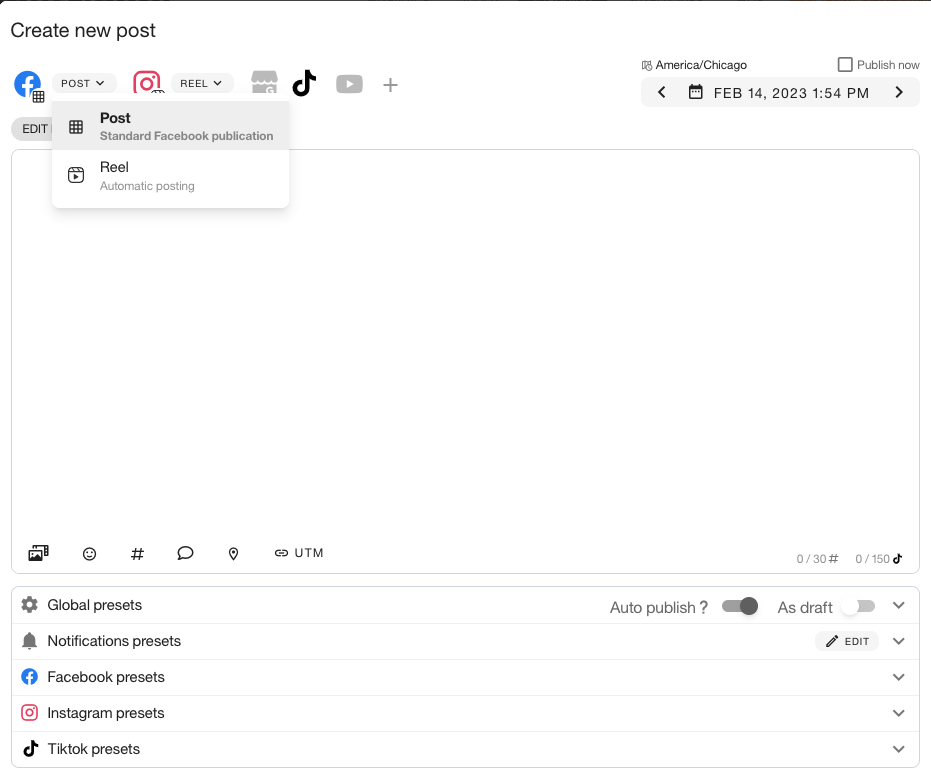
Next select the connections you want to release this post on. What platforms this post will show up on?
Also with each of these select the type of content that it is. In this case it should be a Reel, YouTube Short or a TikTok.
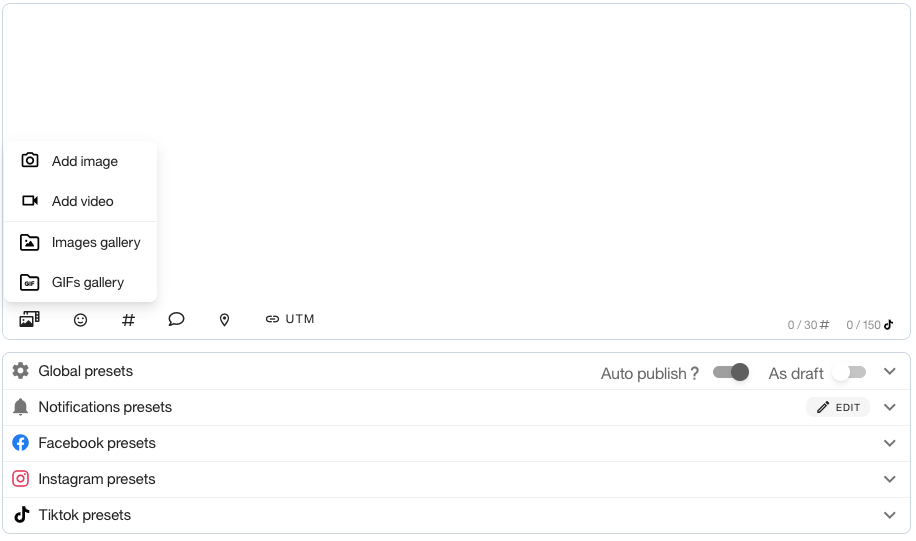
Now we will add our first completed video by hitting the "add media" button and selecting video.
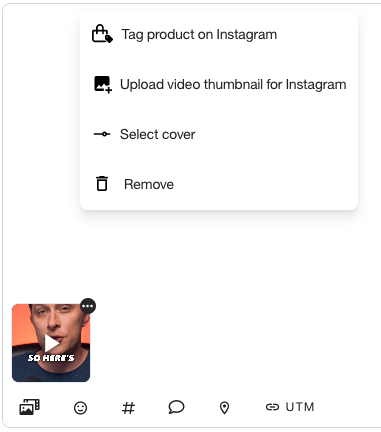
Once it has added itself, you will want to select the cover you want shown for the content. Normally I do not put a large amount of effort here. Just find something with a piece of the captions that is intriguing.
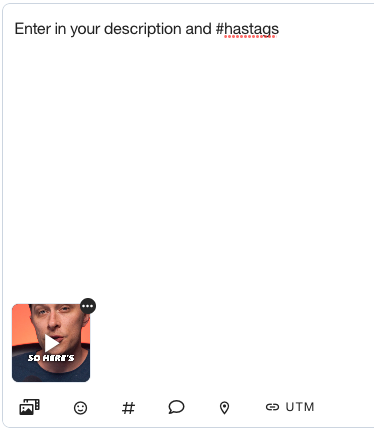
Now enter in your description for the video and the relevant hashtags of your choosing.
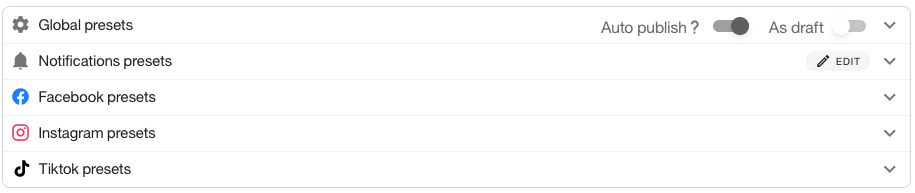
One of the last steps is to make sure your presets for each outlet are covered.
For example, Facebook wants you to have a title for the video. Copying the main part of your description is generally okay, or maybe the hook you used.
Make sure to have "Auto Publish" on for each. For TikToks, you cannot auto publish unless it is a business account. But you can easily transfer the account to a business profile inside of your TikTok Settings.
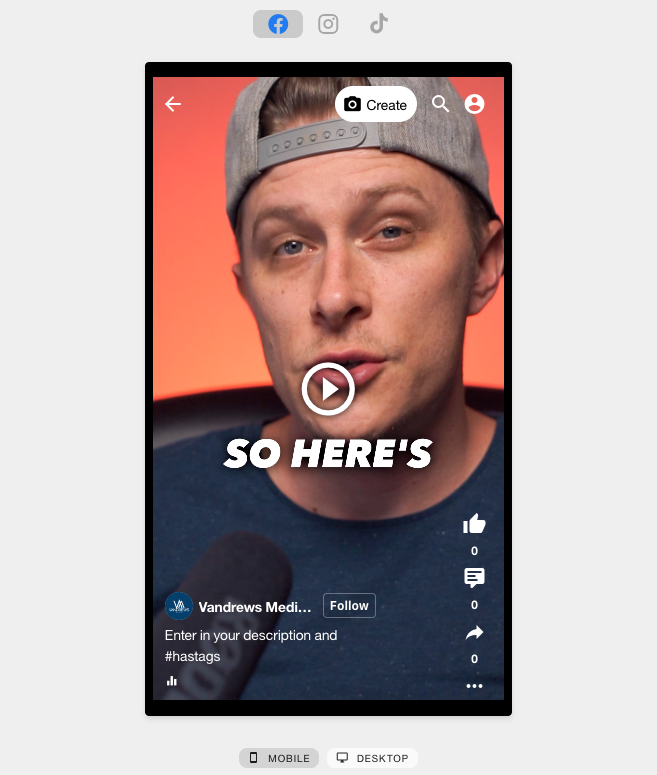
Once completed check everything in the preview window on the right, then click save at the bottom under the presets section.
Congratulations! You have successfully scheduled your video post through Metricool™
Now this is a step and repeat process with all of the content you have created. On average, scheduling 20 posts may take you around 30-45 minutes to post.
AND THAT'S IT...
You now have a framework to create educational video content about your business and better connect with your ideal audiences.
The BEST part is you DO NOT have to waste time thinking of content topics and creating content every day.
With just a day or two (including editing) you can get back between 20-30 hours every month to focus on running the actual business operations.
So What Did You Learn Here Today?
You should have figured out what your bottle neck is...
What is really holding you back from being able to do this with your social media content?
Chances are you probably aren't using social as a business tool.
You know that, in the back of your mind, it can be beneficial for you...
But you just don't know how to navigate it properly.
And I know what you are probably thinking right now...
"Is this really going to work for me?
or "I just don't have the time to edit these videos like this..."
or "Should we hire someone to edit these for us?"
What If I Said I Had a Better Solution for You?
That only involved you taking 2 hours per month to shoot (with help)...
AND was less expensive than hiring and internal media team...

Here at Vandrews Media, we help you do just that and more. We take care of this entire process from start to finish.
We will come in and do the following for you...
1. Curate an extensive list of content topics. All you have to do is give the final approval.
2. With just one monthly visit, we will shoot and edit all of your content and give you the high end professional look.
3. We will then run all your post scheduling for you, so all you have to focus on is the recording process during our monthly visit.
So what is next for you?
Well you could start by attempting this yourself... and I strongly advise you do that.
But if you are anything like me and you're thinking a few steps ahead, you can already tell what you are in for and you need some solutions.
And before I even ask you to just blindly trust me, consider a few of the following...
Do you really see a benefit to a solution like this?
Are you willing to invest in social media to build your brand?
Could your time be better spent on other activities?
Do you want to be the last person on the train?
(Usually the first one off)
OUR GUARANTEE:
We're So Confident That Our System Will Get You Results...
We'll Work For Free Until You Do!
WHAT'S NEXT?
A FREE, no obligation, consultation opportunity to discuss how we can help grow your business.
(We want to get you on the right path to your next steps, even if that is not hiring us to do it for you.)
SCHEDULE A FREE STRATEGY CALL BELOW
BONUS: [Free Training] The Fastest Way To Scale Your Business In 2023⤵️
Did you know...
87% of brands say video marketing has helped them increase sales
Social media is one of the cheapest platforms to advertise on (vs. a $100,000+, 30 second TV commercial)
The average person spends over 6.5 hours online and 2.5 hours on social media EVERY day
78% of consumers are willing to buy from a company after having a positive experience with them on social
92% of brands say video gives them a good return on their investment
9/10 business owners are investing more into social media marketing over the next 3 years
Our Simple 3 Step Process
This is the process we follow with all clients
Step 1 | Define
Everything starts with clear communication. First we'll learn more about your company, your product or service so we can know how to best assist you. This is part of our initial call.
Step 2 | Decide
Now that we've defined our ideal outcomes, we're clear on objectives, we will go over options at this point and decide on the best path forward.
This will be part of our second call together.
Step 3 | Deliver
Now that we are on the same page, it's time to make good on the plan. This is where we create, capture and over-deliver on our word. We have a vested interest in our success together!